LABPLAY WITH AIR.
High-fidelity validation, new research methods, and simulators to explore aerodynamics hands-on.
Where we try new things.
Validate a final shape with LES, try new methods such as AI-driven global optimization, and get a feel for the air in driving and flying simulators.
 01
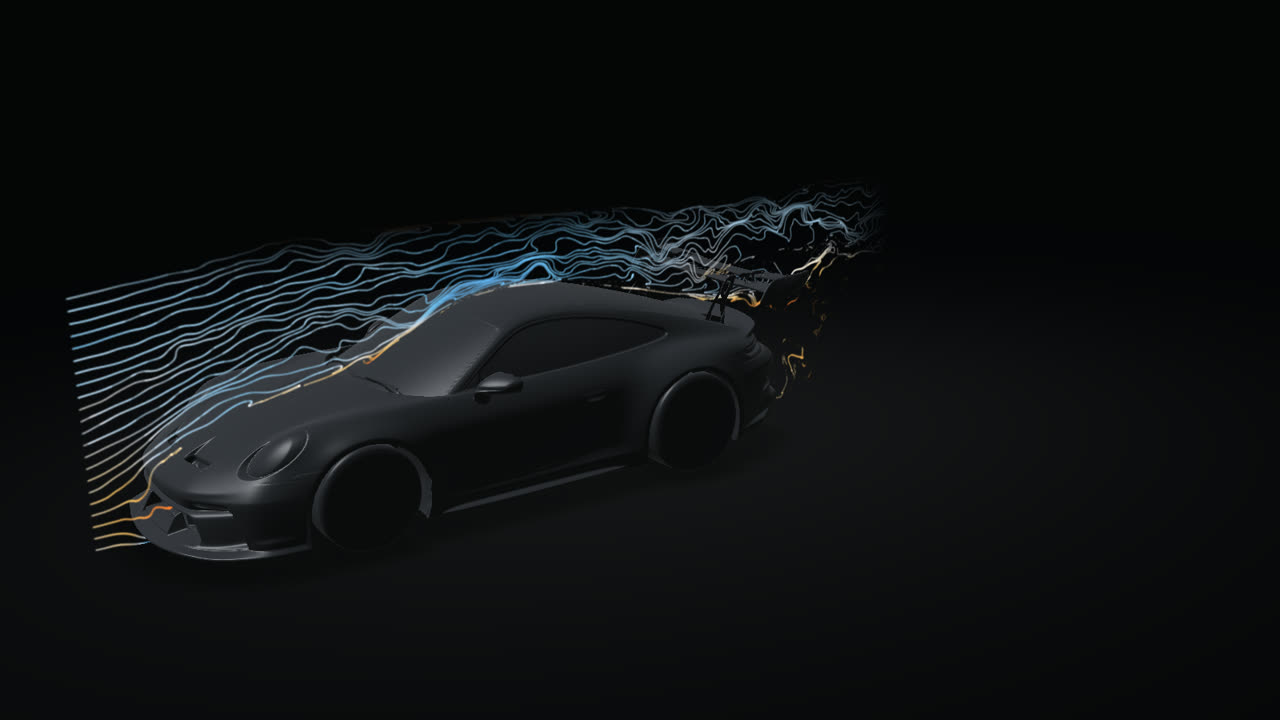
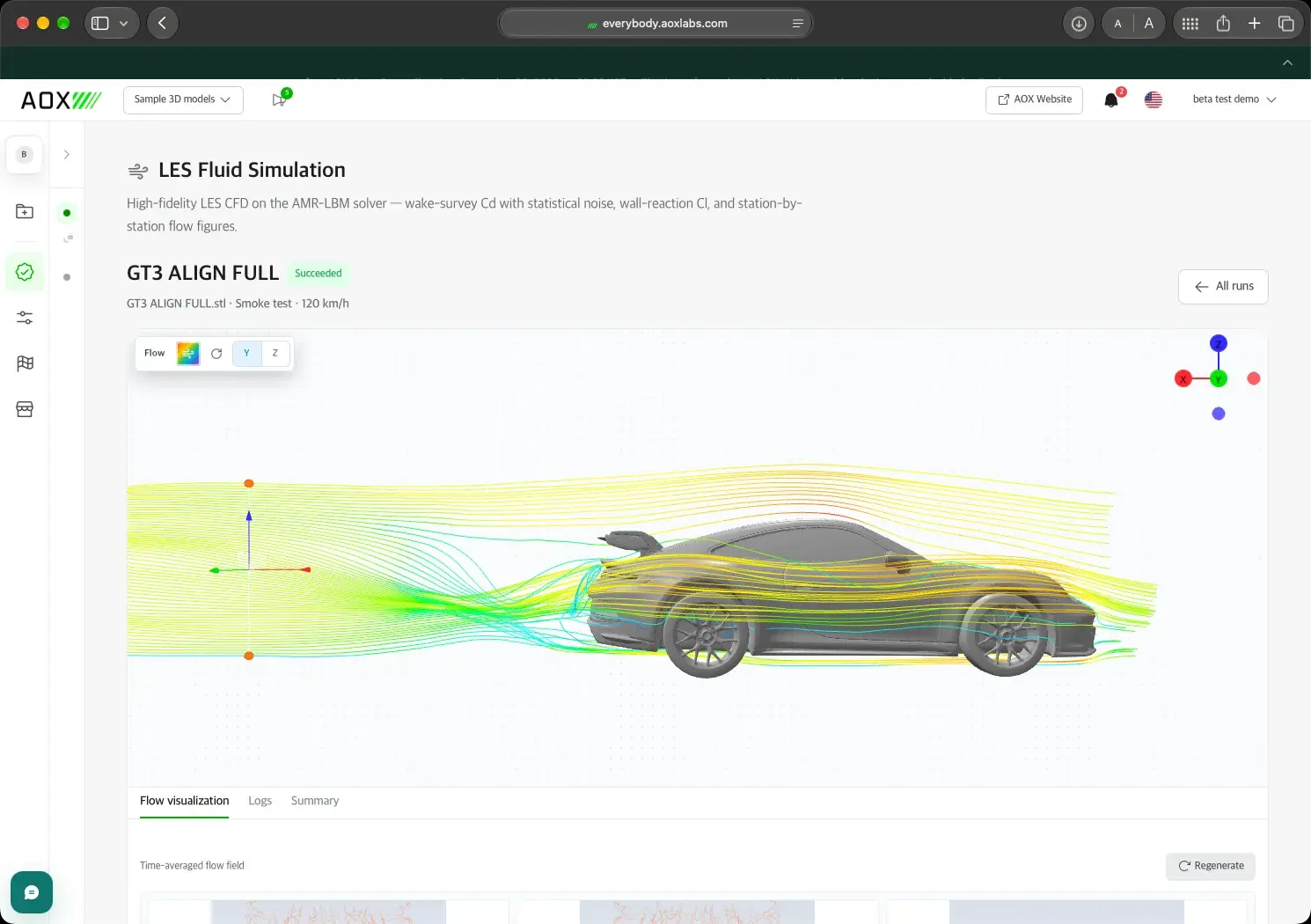
LES Fluid Simulation
Confirm the numbers.
Upload one STL and AOX runs a large eddy simulation in a virtual wind tunnel on a cloud GPU, then corrects the result to open-road conditions.
- Cd and Cl with uncertainty, plus drag and downforce in N
- Pressure maps, surface flow, drag by region, and wake sections
- Smoke and streamline videos on the Standard and Precision grades
 Preview02
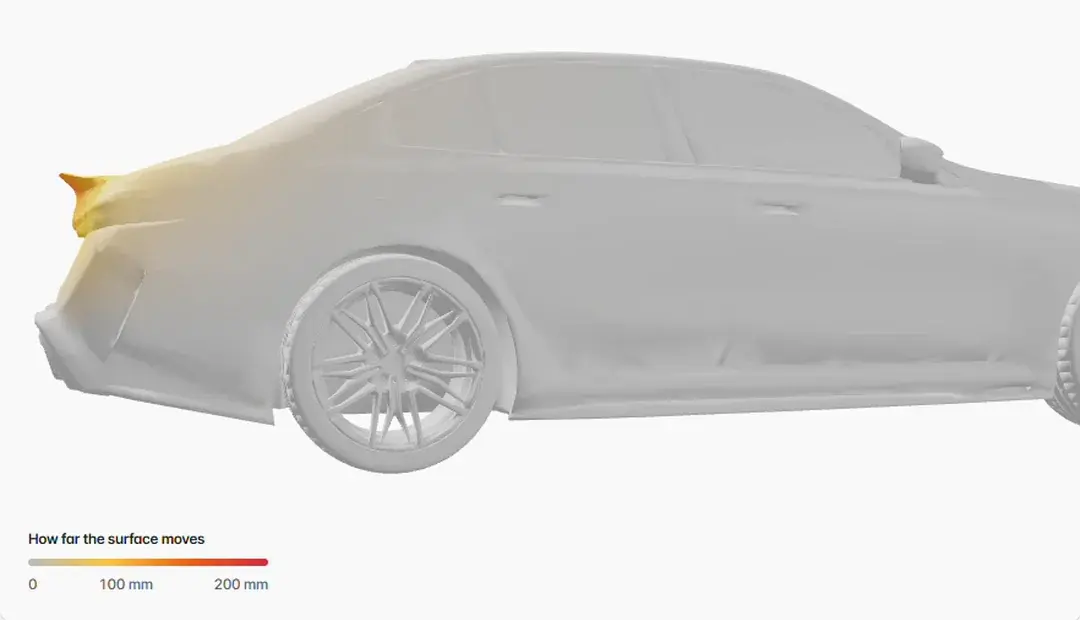
Global optimization
A lower-drag rear end in minutes.
Start from a car you have run in LES. An AI tries dozens of tail shapes and ranks them by predicted drag, and you confirm the best ones with LES.
- Side taper, top taper, bottom taper, and tail extension
- Up to five suggestions, each with a likely range
- The AI search uses no credits
 03
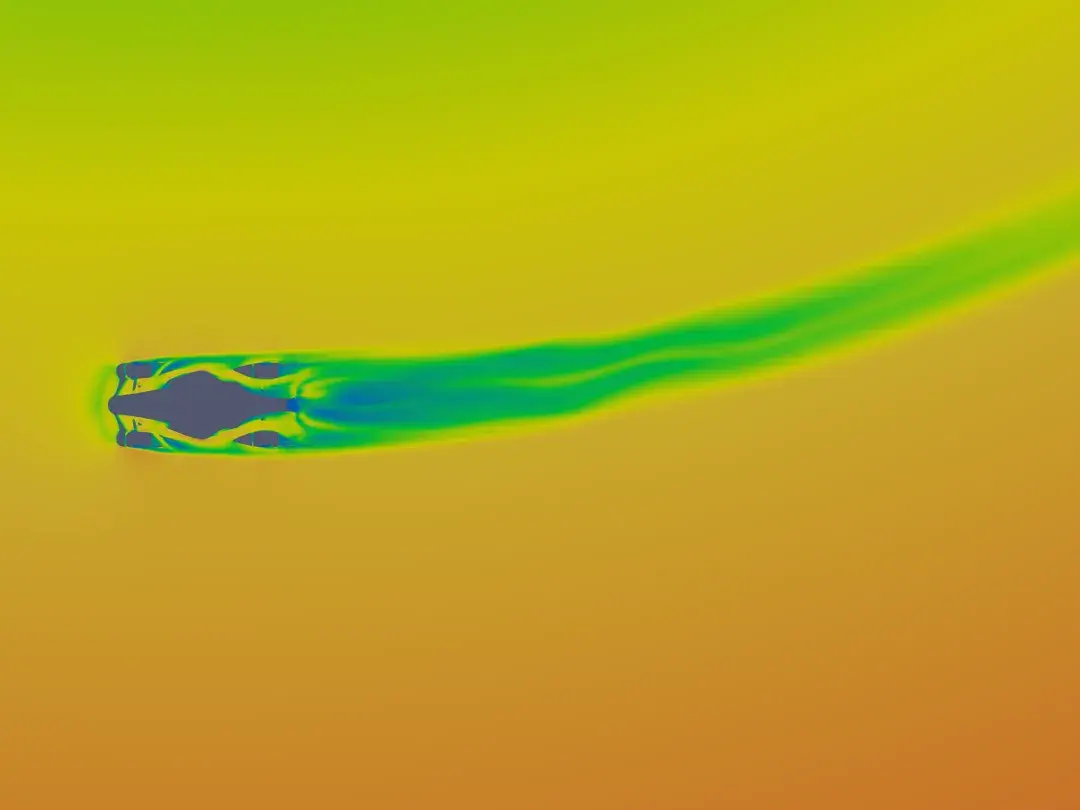
Cornering Wind Tunnel
Aerodynamics in the corner.
Upload the body and wheels as separate STLs, set a turn radius and a speed, and AOX simulates the car driving the curve.
- Forces and moments for the body and each wheel
- Cd, Cl, side force, downforce, and aero balance
- Automatic front-wheel steering
- Charged at 2 credits per minute of run time
 Preview04
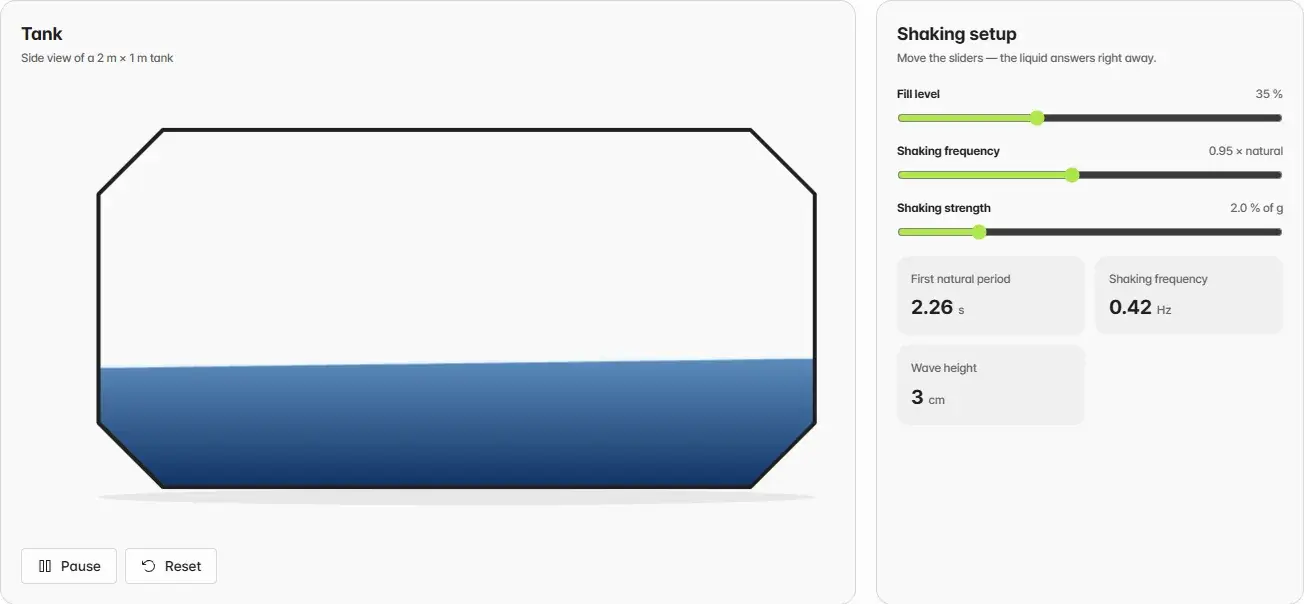
Tank Sloshing
Liquid in a shaken tank.
Set the fill height and how the tank shakes. AOX simulates the liquid together with a flexible rubber baffle inside the tank.
- A result video and a summary image
- A baffle tip displacement chart
- An interactive sloshing illustration in the browser
 05
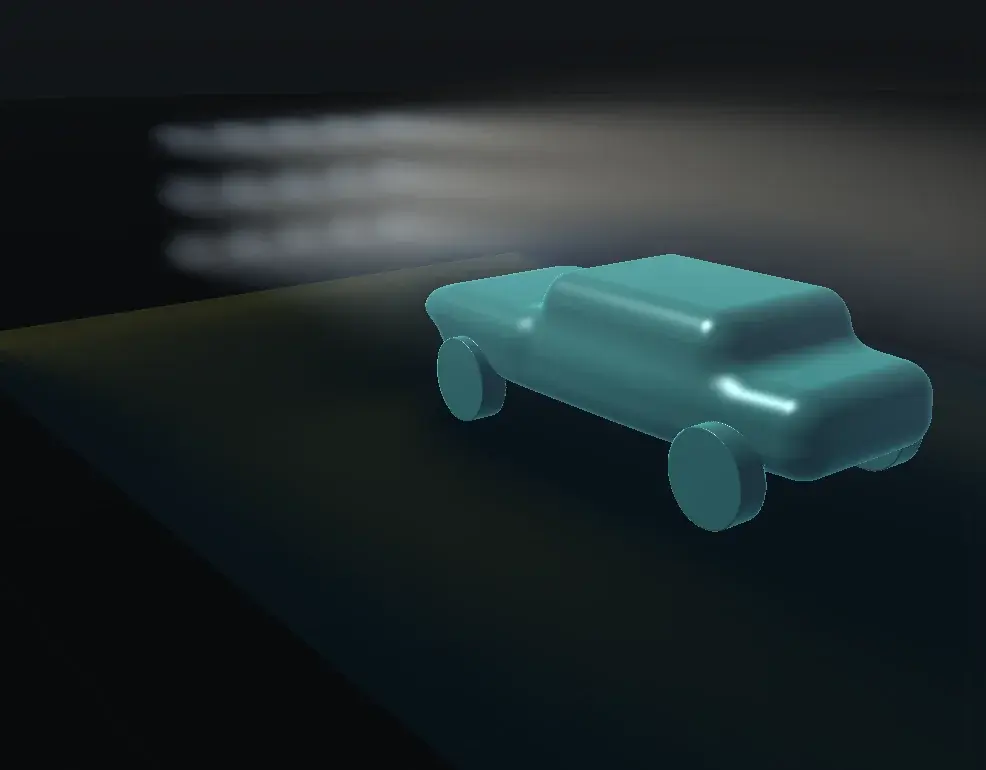
Virtual Wind Tunnel
A wind tunnel in your browser.
A GPU lattice Boltzmann solver computes the airflow around a preset shape in real time. Turn the shape to the wind or change the speed, and the flow answers right away.
- Live drag and lift with smoke and particle traces
- Speed, pressure, and vortex slices
- Runs on your own GPU with WebGPU
 06
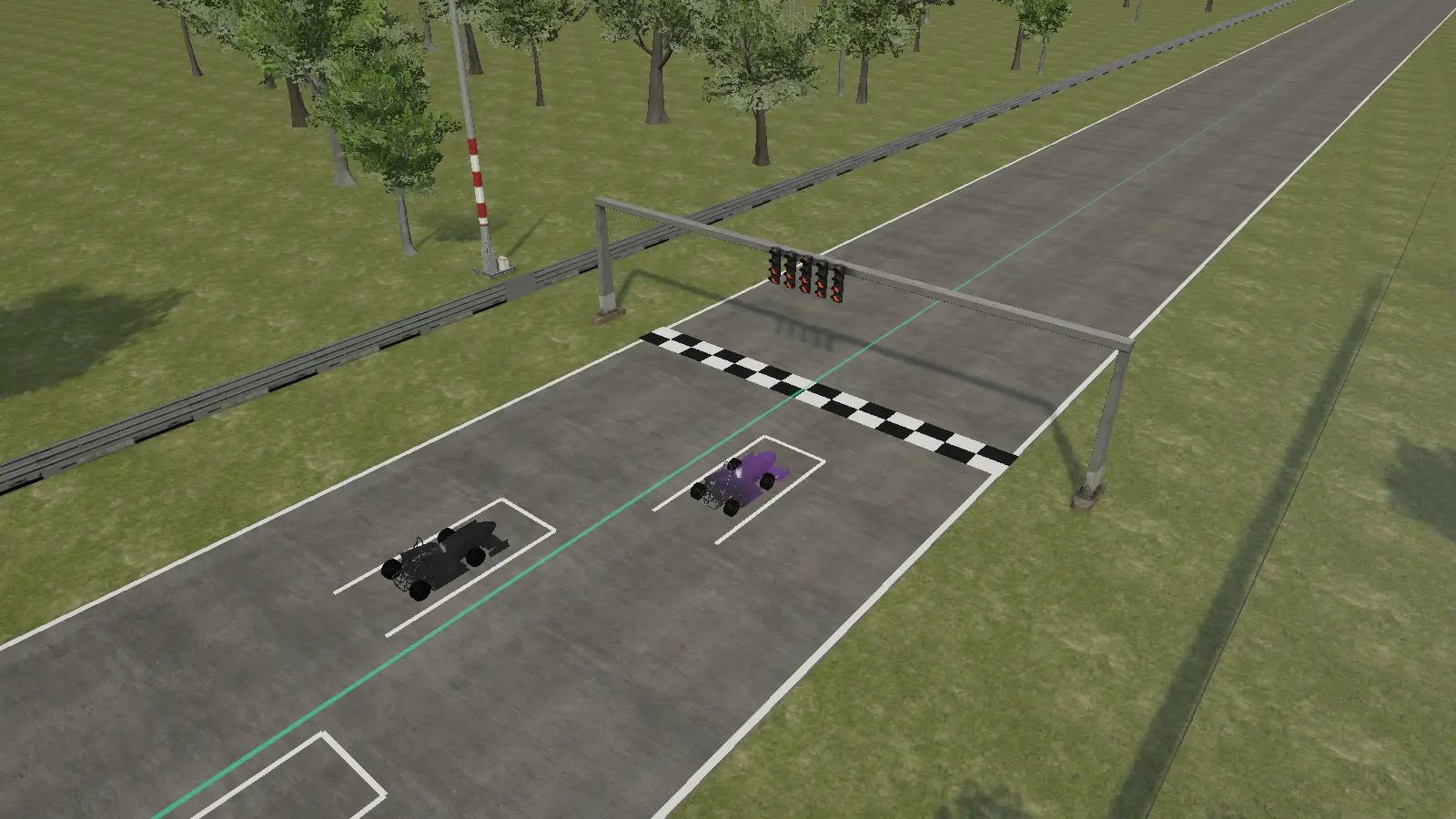
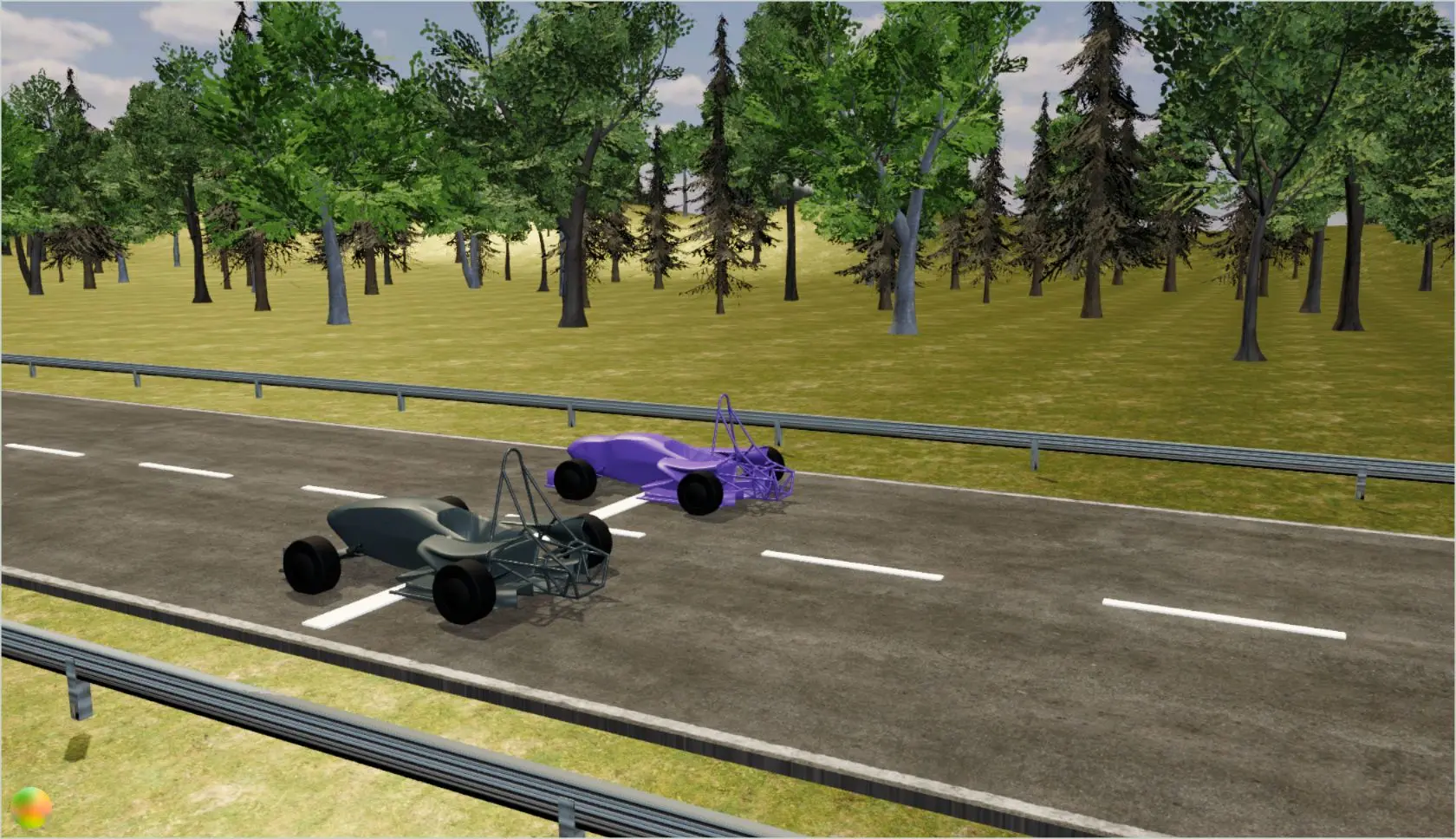
Racing Simulation
Baseline and optimized, side by side.
Race the baseline and the optimized version of the same car around a circuit, with the same assumed mass, power, and grip.
- Use your own optimization runs or the Formula Student sample
- Watch them compete or drive one yourself
- A relative comparison, not a lap-time prediction
 07
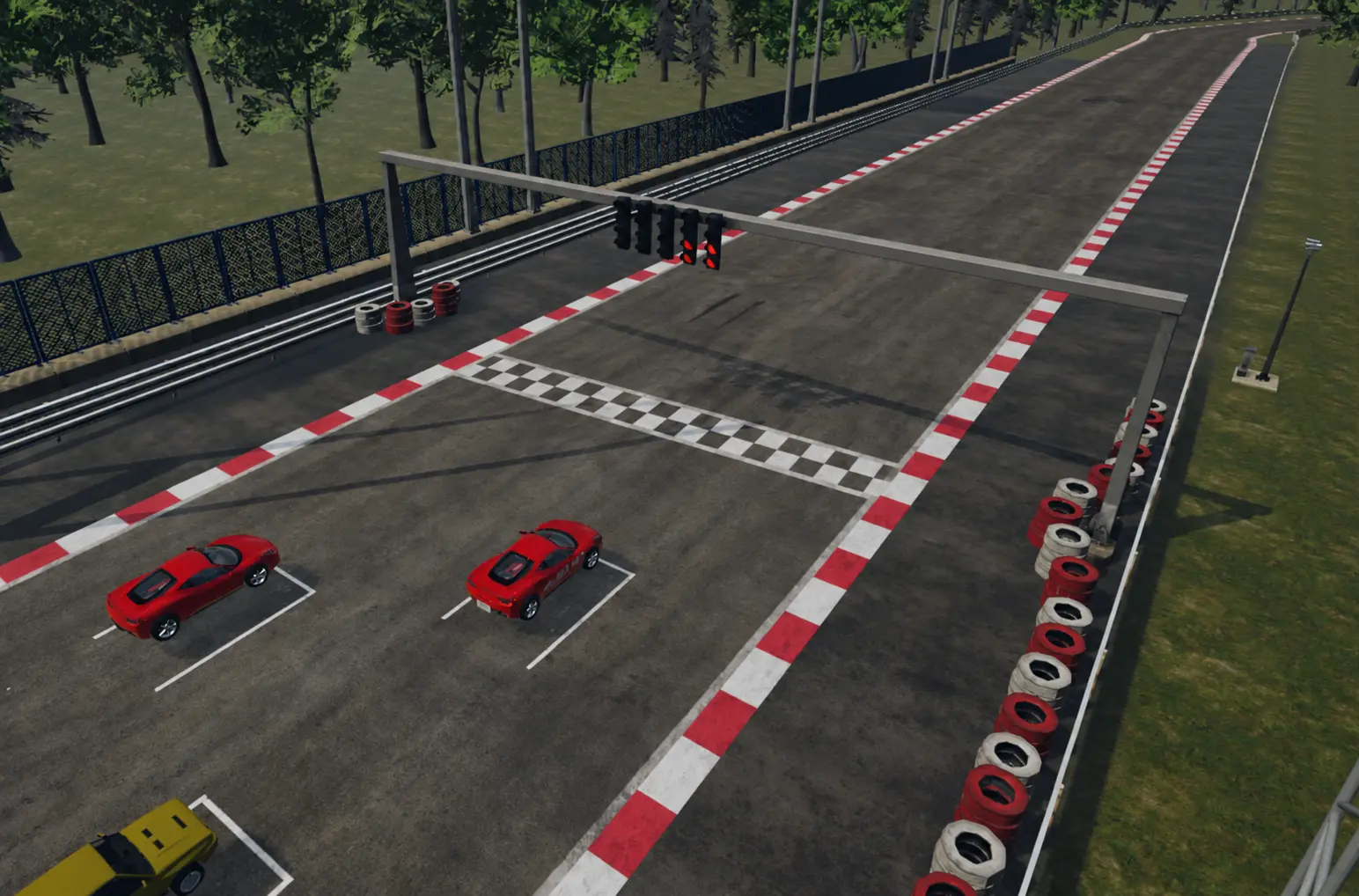
Drag Racing
A straight-line showdown.
Line up the baseline and optimized cars over 100, 200, or 300 m and see which one finishes first, and by how many milliseconds.
- Live speed, distance, and time for each car
- Drag and lift forces in newtons
- The same driving assumptions for both cars
 08
Free Drive
Take the wheel.
Pick one of eight vehicles and race three laps of a mountain circuit against up to seven AI opponents.
- Easy, Normal, and Hard difficulty
- Position, total time, and best lap
- Player records shared in your workspace
 09
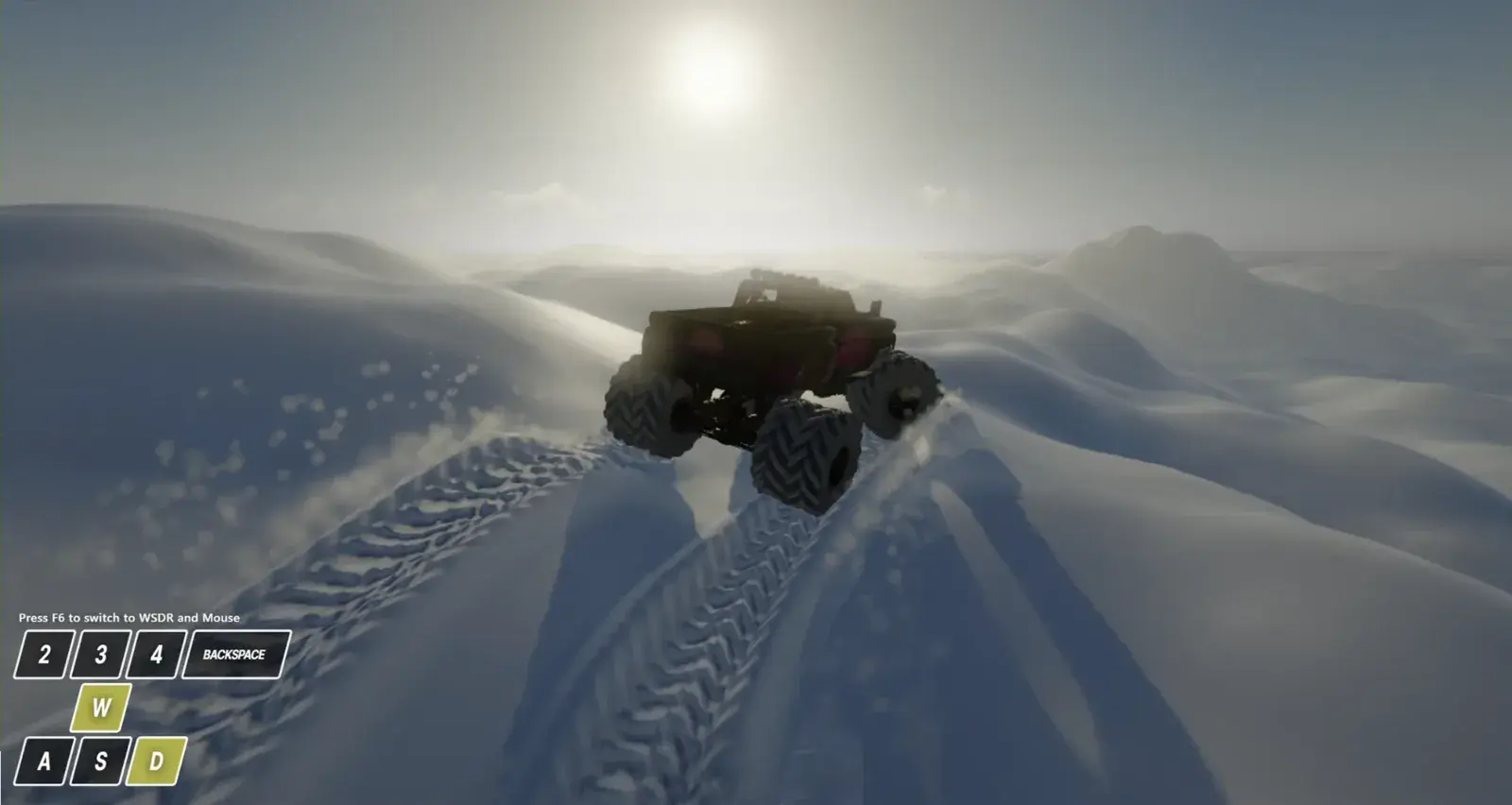
Offroad
Deep snow and a monster truck.
Drive a monster truck through snowy terrain that deforms under its tyres, rendered with WebGPU in your browser.
- Snow that gives way, with spray and wakes
- Arcade or classic controls
 10
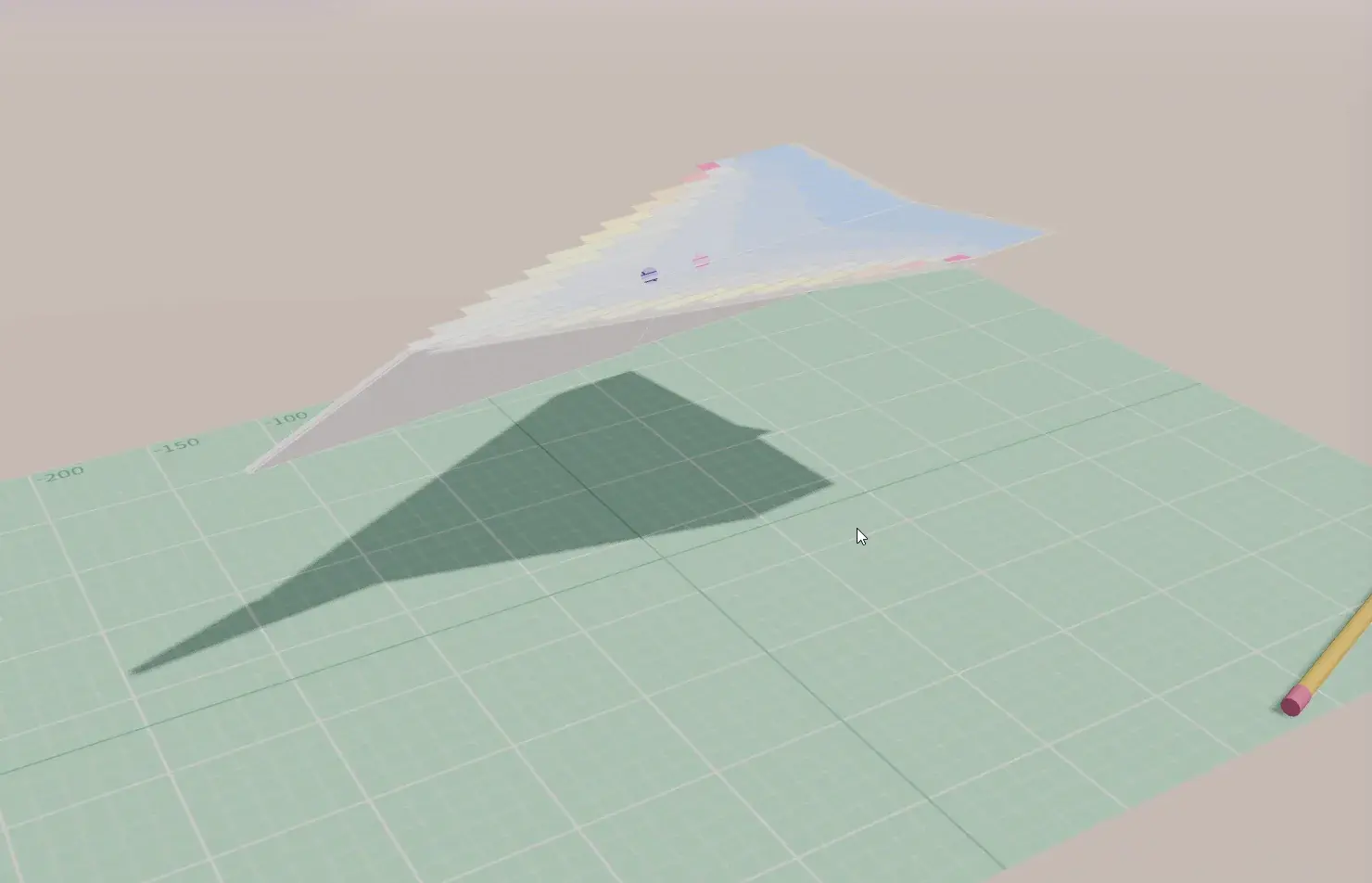
Paper Plane Lab
Fold it. Fly it.
Fold a sheet with your mouse and AOX estimates lift, drag, and stability from the exact folded shape. Then throw it and watch it fly.
- Five paper types and three starting designs
- Vortex lattice analysis and 6-DOF flight
- Runs in your browser
A virtual wind tunnel, averaged.
Optimization points the way. LES puts a number on it: absolute Cd and Cl, with the uncertainty that comes with them. It does not change the shape.
- 01
Build the tunnel
The shape sits in a virtual wind tunnel, split into cells that are fine near the shape and larger far away.
- 02
Let the air settle
At first the flow is uneven. AOX keeps computing until it settles, and the values from this warm-up are not used.
- 03
Collect and average
Vortices behind the shape keep the forces moving, so AOX records them over time and averages them into Cd and Cl, with the spread as uncertainty (±).
- 04
Correct to the open road
Tunnel walls speed the air up around the shape. AOX corrects for this and reports open-road (free-air) values.
One STL in. Numbers and films out.
- 01
Upload one STL
Shapes that are not fully closed are handled automatically, so there is no repair step. Parts split into several files should be merged into one STL first.
- Units detected from the size of the shape
- Thin surfaces filled so they can be computed
- Very large meshes, about 20 million faces or more, reduced
- 02
Set the conditions
Name the run and set the ground clearance. Coefficients do not depend on speed; the speed only turns them into forces.
- Placement on the ground or in the air is set automatically
- Head-on wind only for now
- 03
Let AI set it up
AI setup analyses the shape and recommends the conditions and a grade. Review them, then use them as they are or change them.
Recommendations stay within verified ranges and are a reference, not a rule.
- 04
Submit and follow
Progress and the remaining time are shown, and the run appears in the list. LES uses a GPU on its own, so one run goes at a time.
Usage is charged at 3 credits per minute of actual run time, and the estimate for each grade is shown before you run.
Pick the precision you need.
Standard is enough for most comparisons.
| Grade | How it computes | Time | Use it for |
|---|---|---|---|
| Smoke Test | A short run on a coarse grid | About 15 minutes | A quick check that the shape runs and how the flow looks |
| Standard | Verified default settings on a three-level grid | About 1 to 2 hours | Checking a shape and comparing candidates |
| Precision | Standard plus a second run in a wider virtual tunnel, averaged | About 2.5 to 3 hours | Final numbers, for example for an external report |
Times are for a passenger car and do not include waiting in the queue. Compare shapes only within the same grade and settings.
Images, films, and data.
| Output | What it shows | Use it to |
|---|---|---|
| Surface pressure maps | Pressure on the surface from the front, side, top, and rear | Find high pressure at the front and low pressure on the roof and underbody |
| Surface flow | The direction of the air just above the surface | See where separation starts |
| Drag by region | The share of drag from the front, roof, underbody, rear, and more | Decide which area to improve |
| Section velocity | Average speed on the centre and horizontal sections | Compare the size and shape of the wake |
| Wake sections | The speed deficit at several positions behind the car | See how quickly the wake recovers |
| Cd convergence | How Cd changed during the run | A flat end means the run was long enough |
| 3D streamline video | Smoke-like airflow in 3D | Show the whole flow in a review or a presentation |
| Velocity and vortex video | Speed and vortices on the centre section over time | Watch the flow fluctuate |
Videos come with the Standard and Precision grades; Smoke Test returns images only. Downloads include the shape as analysed (STL), flow data for ParaView and similar tools (VTK, about 0.4 to 0.5 GB per file), and the images and videos.
Every number comes with its limits.
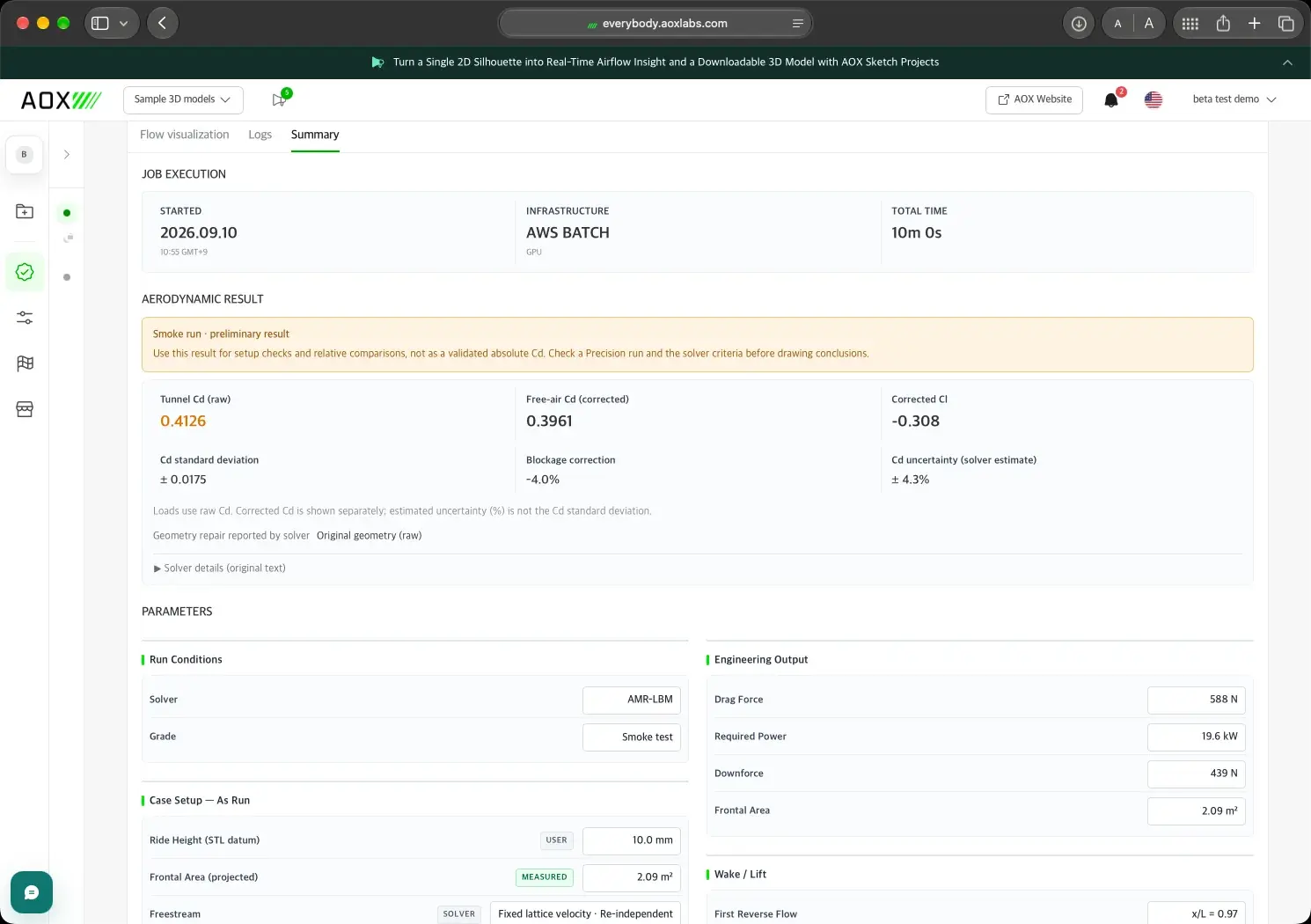
- Assumptions labelled
- Every condition is tagged as set by you, measured, set by the solver, or not modelled.
- Uncertainty stated
- Standard deviation and solver uncertainty come with every Cd.
- Raw and corrected
- Tunnel Cd, free-air Cd, and the blockage correction, side by side.
- Grade warnings
- Smoke Test results are flagged as preliminary, with what to run next.
From coefficients to newtons.
- Cd ±
- The drag coefficient, corrected for the tunnel walls to open-road conditions. The ± is the uncertainty.
- Cl
- The lift coefficient. A negative value means downforce. For cars with wheels, front and rear Cl and the front share of downforce are shown too.
- Frontal area
- The area of the shape seen from the front, including mirrors and wheels. Forces are computed from it.
- Force (N)
- Force = coefficient × frontal area × ½ × air density (1.225 kg/m³) × speed². Force grows with the square of speed: twice the speed, four times the force.Cd 0.30 and 2.0 m² at 120 km/h give about 408 N of drag; at 200 km/h, about 1,134 N.
- Uncertainty
- How much a value can move within the run. When two shapes differ by less than the uncertainty, treat them as performing the same.
- Same grade, same settings
- Absolute values shift a little between grades, so compare shapes only within the same grade and settings, and rerun the baseline after an engine update.
Ready for the real thing.
On the Ahmed body with a 35° slant, AOX LES matches the measured pressure behind the body, point by point across 457 experimental taps (ERCOFTAC case082).
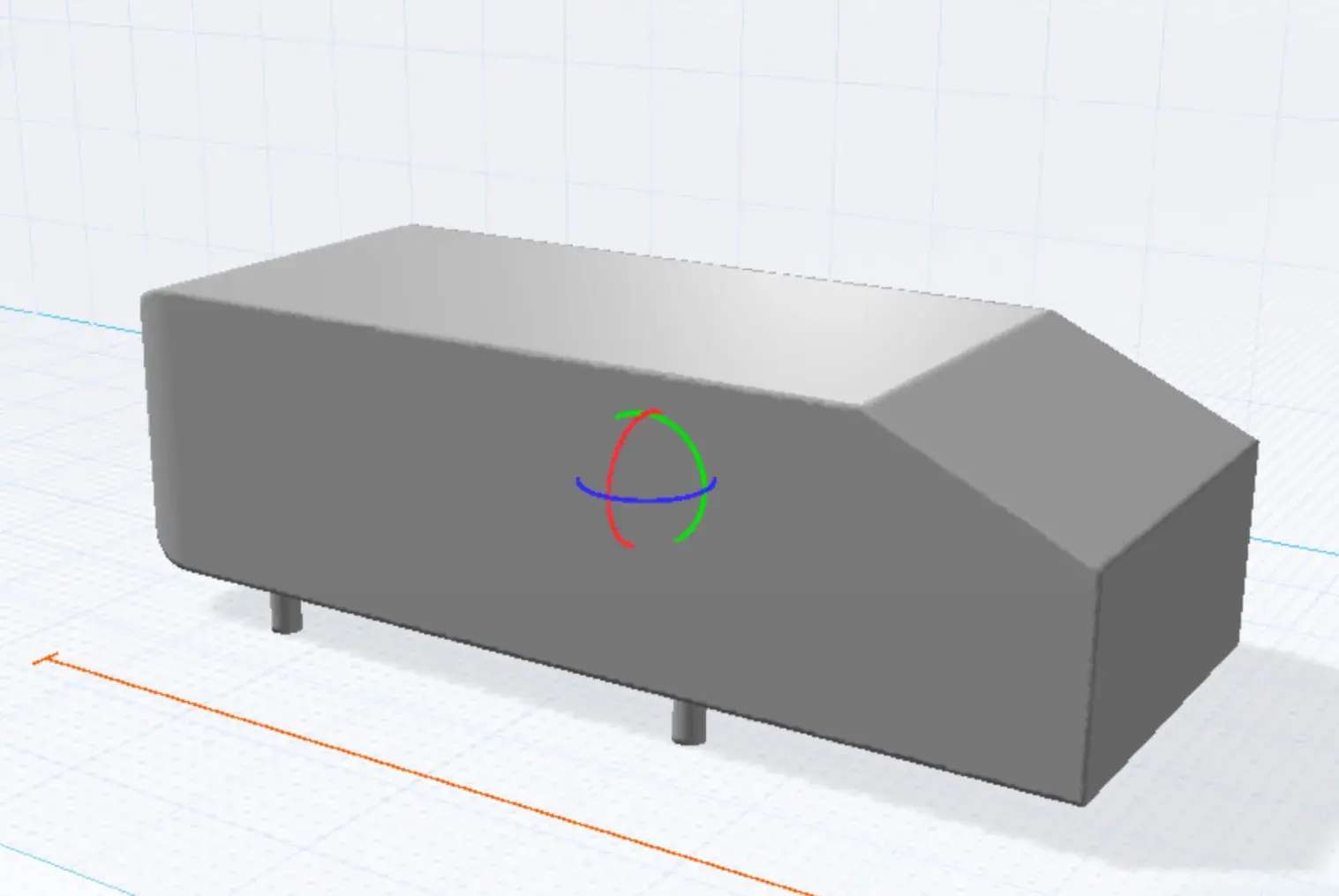
- Base + slant pressure drag on the Ahmed body (experiment 0.249)
- 0.250
- Mean base pressure coefficient (experiment −0.220)
- −0.218
- Sphere drag difference from the reference solution at Re 100
- 1.7%
- Lift change from a 15° rear wing on the DrivAer hp-F (wind tunnel −0.256)
- −0.262
Benchmarks with published answers. Absolute drag on full cars is still being certified, so AOX reports differences between shapes as its most reliable result.